
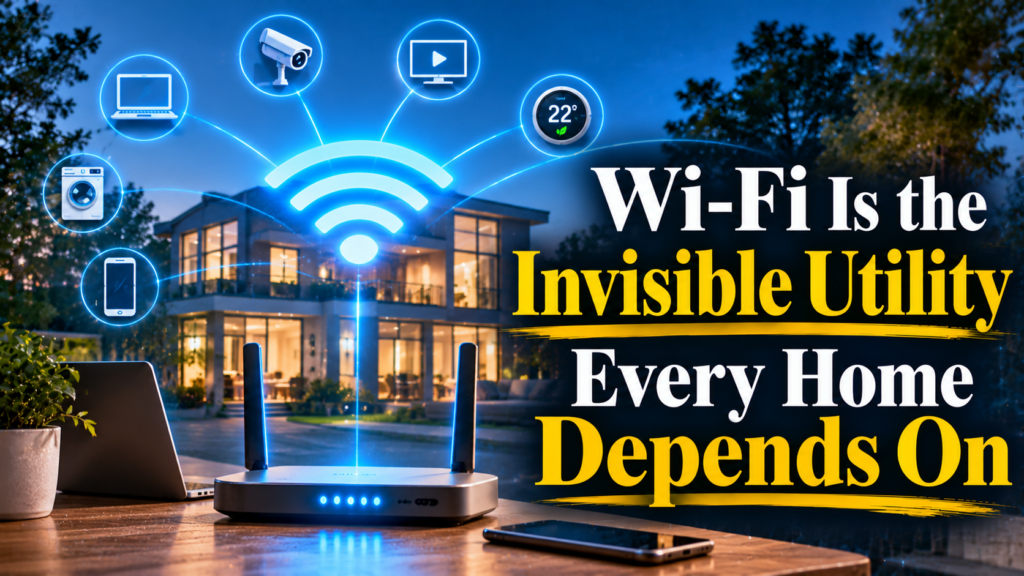
Ask people what utilities a home needs and they will name water, electricity and heat. Increasingly, a fourth belongs on the list: a wireless connection that reaches every room. Children do homework on it, adults earn a living on it, grandparents video-call across oceans on it, and the thermostat, the doorbell and the television quietly depend on it. Wi-Fi is the invisible utility every home depends on, and it is often the least understood.
The technology has a modest origin. The IEEE 802.11 standard, the technical foundation of Wi-Fi, was first published in 1997, and the Wi-Fi brand arrived in 1999 so that products from different makers could work together. Since then, generations of improvements have raised speeds and capacity, with recent versions such as Wi-Fi 6 and Wi-Fi 7 designed to cope with homes where dozens of devices compete for the same airwaves.
Yet many households suffer from slow video calls and buffering films despite paying for fast broadband. The problem is rarely the speed bought from the provider. It is usually what happens between the router and the device. Radio waves weaken as they pass through walls, floors and furniture, and dense materials such as brick, concrete and metal can block them almost completely. A router tucked in a corner cupboard at the far end of the house is a classic recipe for dead spots.
Interference is another culprit. Wi-Fi shares the airwaves with other devices and with neighbours’ networks. The older 2.4 gigahertz band travels farther but is crowded, and even household appliances such as microwave ovens can disturb it. The newer 5 gigahertz band is faster but has shorter range, and the more recent 6 gigahertz band adds spacious, uncluttered capacity for compatible devices. Modern routers manage this juggling automatically, but a cheap or old one may not do it well.
What can be done? The simplest remedy is placement: put the router in a central, elevated position, out in the open, away from thick walls and large metal objects. In larger homes, a mesh system, in which several units cooperate to blanket the building, can eliminate dead spots. For the best results, connect the units, and fixed devices such as televisions and desktop computers, with network cables where possible. A wired connection, dull as it sounds, remains faster, steadier and more secure than any wireless one.
Security deserves more attention than it usually receives. The router is the front door of the digital home, and an outdated or poorly configured one can expose every connected device. Choose a strong, unique network password and the latest available encryption standard, WPA3 where supported. Change the default administrator login, install firmware updates promptly or enable automatic updates, and set up a separate guest network for visitors and for smart gadgets, so that a weak device cannot reach laptops and phones.
Households have also become far busier. Where a family once had one computer, it may now have phones, tablets, consoles, speakers, cameras, lights and appliances, all talking to the network at once. Each device takes a slice of capacity, and a single video call, a game download or a cloud backup can swamp a weak connection. Some routers allow priority settings, so that work calls take precedence over background updates, which can make a surprising difference.
The wider importance is social. Remote work, online schooling, telemedicine and government services increasingly assume a reliable connection at home. Those without one are left behind. International organisations estimate that billions of people worldwide are still offline, and even in wealthy countries rural areas and low-income households often suffer slower or costlier service. Treating connectivity as a basic utility, rather than a luxury, has become a question of fairness and opportunity.
Housing is changing as a result. Connectivity is increasingly part of what makes a home attractive, and new homes are more often built with cabling in the walls and space for networking equipment. Landlords and builders who ignore this may find that a property without good internet is as unattractive as one without good heating. A home’s quality is increasingly measured not only in bricks but in bandwidth.
A few habits keep a home network healthy. Restart the router occasionally and update its software. Check real speeds in different rooms using a free test tool rather than trusting the plan’s headline figure. Replace routers that are many years old, since their performance and security may lag behind modern devices. If a problem persists, the provider’s support line can often test the line remotely, and it is worth asking before replacing equipment.
Wi-Fi is rarely noticed when it works, which is the mark of a good utility. Its value shows only in absence: the video call that freezes, the film that stalls, the smart lock that cannot reach the cloud. Giving it a little thought, in placement, security and fairness, pays off every day. The invisible utility deserves a little attention.